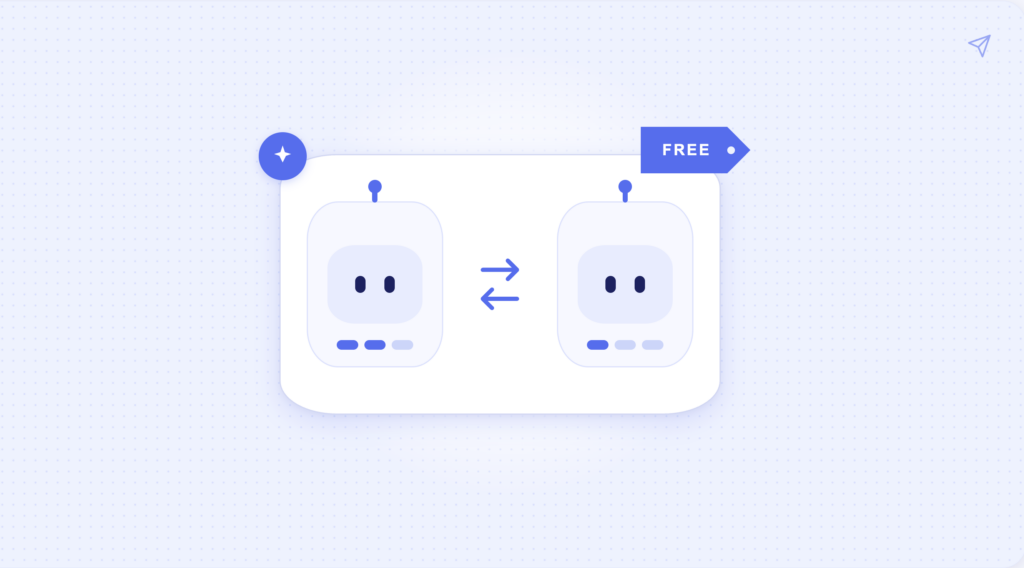








AI chatbots and AI agents on Telegram may look identical. You open a bot, type a message, and get a response. But what happens next depends on which type of AI you’re using.
A Telegram AI chatbot is mainly designed to answer questions, generate content, and help with individual requests. An AI agent can go further: remember information between conversations, connect to external apps, and complete tasks on your behalf.
This guide explains how chatbots and agents work, what each can do, and how to decide which one you actually need.
What is an AI chatbot on Telegram?
A Telegram AI chatbot is a bot that uses artificial intelligence to understand messages and generate responses. Most are powered by large language models (LLMs), such as GPT, Claude, Gemini, or DeepSeek.
You interact with them through a regular Telegram conversation. There’s no need to install another app or open a separate AI website.
For example, you can ask a Telegram AI chatbot to:
- Explain a technical concept in simple terms.
- Write or improve an email.
- Translate a message into another language.
- Summarize an article or document.
- Generate ideas for social media posts.
- Help debug a piece of code.
The interaction is usually straightforward. You send a request, the chatbot processes it, and you receive an answer.
Some chatbots also support image generation, voice messages, document analysis, and conversations with multiple AI models.
The main limitation is that most chatbots focus on generating answers rather than carrying out tasks. A chatbot can draft a meeting invitation, for example, but it typically won’t check your actual calendar and schedule the meeting.
Many chatbots can follow the context of an ongoing conversation, and some offer longer-term memory. However, persistent memory and connections to external services aren’t standard features across the category.
You can explore different options in our Telegram AI chatbots directory.
What is an AI agent on Telegram?
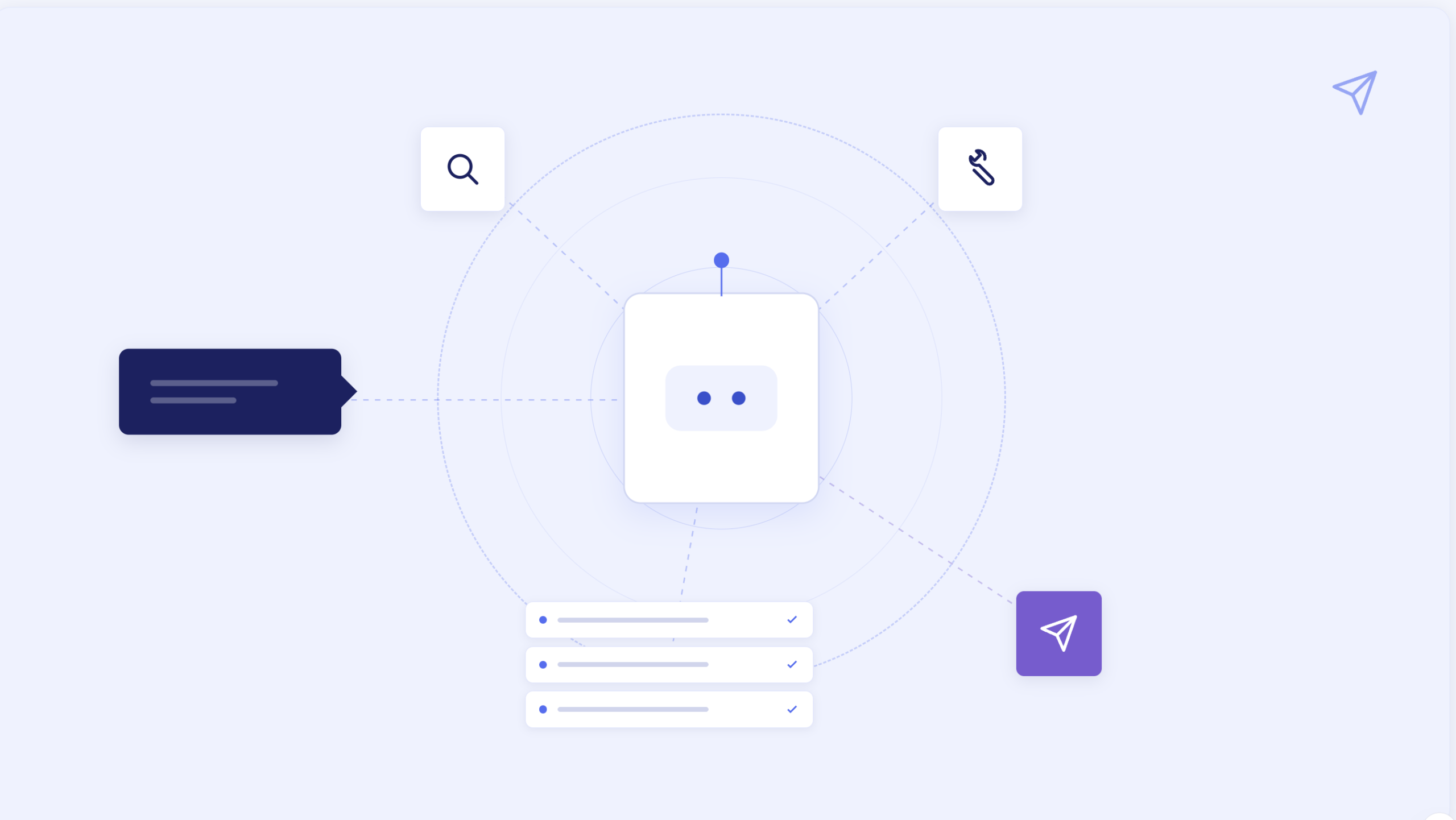
A Telegram AI agent is an AI-powered assistant that can use tools, access information, and take actions to complete a task.
Like a chatbot, it understands natural language. The difference is that an agent can use your request to carry out a sequence of steps rather than simply generate a response.
For example, imagine sending this message to a Telegram AI agent:
“Check my calendar for tomorrow, find the meeting with the marketing team, and prepare a short briefing using our latest project updates.”
An agent with the necessary integrations could:
- Access your connected Google Calendar.
- Find the relevant meeting.
- Retrieve recent project updates from a connected workspace like Notion.
- Summarize the information.
- Send the briefing back to Telegram.
You don’t need to open each service and collect the information manually.
Some AI agents can also remember your preferences and previous conversations. This makes them useful for ongoing projects or tasks you repeat regularly.
For instance, a Telegram personal AI assistant might remember which project you’re working on, which tools you use, and how you prefer your reports to be formatted.
You can find examples in our Personal Agents directory.
AI agent vs. AI chatbot: key differences
Both chatbots and agents use AI models to understand requests. The distinction is what they can do with those requests.
A chatbot primarily generates information or content. An agent can also use external systems to complete work.
| Feature | AI chatbot | AI agent |
| Main purpose | Answer questions and generate content | Complete tasks and manage workflows |
| Interaction | Usually responds to individual prompts | Can work through multiple steps |
| Conversation context | Typically remembers the current conversation | Can maintain context across sessions |
| Long-term memory | Limited or unavailable in many bots | Often supports persistent memory |
| External integrations | Usually limited | Can connect to email, calendars, files, and other apps |
| Task execution | Mainly provides instructions or content | Can take actions in connected services |
| Automation | Usually requires a new request | May support scheduled or recurring tasks |
| Setup | Often works immediately | May require connecting accounts and approving permissions |
| Best for | Writing, explanations, translations, brainstorming | Scheduling, research, project management, recurring workflows |
These are typical differences rather than strict technical rules.
A chatbot can have memory or integrations without being a full AI agent. Similarly, an agent doesn’t need every feature in the table to qualify as one.
The most useful distinction is whether the tool only responds to your request or can also perform the work needed to fulfill it.
How Telegram AI agents use memory, tools, and automation
Three capabilities make AI agents particularly useful for ongoing work: memory, external tools, and automation.
1. Memory: keeping track of previous conversations
A regular chatbot can usually reference messages within the current conversation. However, it may lose that context when the conversation becomes too long or a new session starts.
AI agents with persistent memory can retain relevant information beyond a single conversation.
Persistent memory is useful for remembering:
- Your preferences and recurring instructions.
- Ongoing projects and deadlines.
- Previous decisions and conversations.
- Information relevant to repeated tasks.
Memory doesn’t necessarily mean storing every message forever. Different agents have different retention policies, memory controls, and limits on what information they can retrieve.
2. Tools: connecting AI to external services
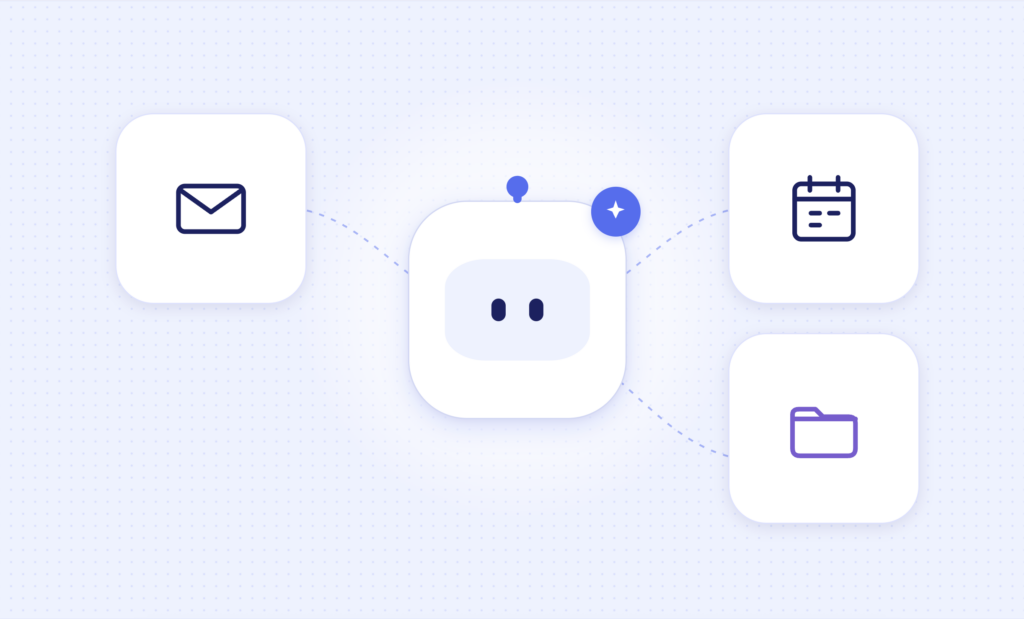
External integrations allow an AI agent to interact with services outside Telegram.
Depending on the product, these might include Gmail, Google Calendar, Google Drive, Notion, GitHub, Jira, or other applications.
For example, consider two ways of handling the same request.
Chatbot request:
“Write a polite reply declining a meeting invitation.”
The chatbot generates a message you can copy and send.
AI agent request:
“Find the meeting invitation from Alex, check whether I have another appointment at that time, and draft a reply suggesting an alternative.”
With access to the necessary services, the agent can retrieve the invitation, check your availability, and prepare a response based on real information.
Some agents can also send the message or update the calendar, depending on their permissions and approval settings.
External connections generally require authorization. For a more detailed explanation, read our guide to how Telegram AI bots connect to email, calendars, and files.
3. Automation: completing tasks without repeated prompts
Most chatbots work on demand. You send a message whenever you need something.
Some AI agents support recurring tasks, scheduled actions, and event-based notifications.
For example, you could configure an agent to:
- Send a daily summary of tomorrow’s meetings.
- Check a project board every morning for overdue tasks.
- Notify you when an important email arrives.
- Prepare a weekly report from connected project management tools.
These workflows can reduce the need to check multiple apps manually.
However, automation isn’t universal among Telegram AI agents. Some require you to initiate every task, while others support background workflows and proactive notifications.
When comparing agents, check whether automation is included and what triggers are supported.
Examples of tasks AI chatbots and agents can handle
The practical difference becomes clearer when you compare what happens after sending a request.
| Task | What an AI chatbot can do | What an AI agent can do |
| Draft a response based on your instructions | Find an email, analyze its context, and prepare or send a reply | |
| Calendar | Suggest a meeting agenda | Check availability and create an event |
| Research | Explain a topic or summarize provided information | Gather information from multiple sources and prepare a report |
| Project management | Suggest a task list | Create tasks in Jira, Linear, or another connected tool |
| Documents | Summarize text you upload | Retrieve relevant documents from connected storage and summarize them |
| Reminders | Suggest a reminder schedule | Create reminders and notify you at the scheduled time |
| Team communication | Draft an update for your colleagues | Collect updates from connected tools and prepare a team status report |
| Personal productivity | Help create a daily plan | Use your actual calendar and task list to organize your day |
Actual capabilities depend on the tool, available integrations, and permissions.
Popular Telegram AI chatbots and personal agents compared
Telegram offers many AI-powered bots, from simple conversational assistants to tools with persistent memory and external integrations.
The following examples are listed in the Telegram AI Tools directory as of October 2026. Some products appear in more than one category because they combine chatbot and agent capabilities.
| Tool | Category | Main capabilities | Best for |
| Mira | Personal AI agent | Persistent memory, 1,000+ integrations, task execution, and group support | Managing work across multiple apps from Telegram |
| MazAi | AI chatbot | Access to 20+ AI models for text, images, video, and audio | Using multiple AI models in Telegram |
| PulseGPT | AI chatbot | Text, image, video, and voice generation through Telegram and web | General AI conversations and content creation |
| Syntx AI | AI chatbot / AI model aggregator | Access to 90+ AI models for text, images, video, and music | Generating different types of content |
| OK, Bob! | Task-focused AI assistant | Task management, reminders, voice input, and team tasks | Managing personal tasks inside Telegram |
| TeleClaw | Personal AI agent | Memory, browsing, coding, and external app connections | Multi-step tasks and app integrations |
When should you choose an AI agent over a chatbot?
You don’t necessarily need an AI agent just because it offers more capabilities.
For many everyday tasks, a regular Telegram AI chatbot is enough. Agents become more useful when your requests involve external information, repeated work, or multiple steps.
Choose an AI chatbot if you mainly need answers
A chatbot is usually the better choice when you:
- Ask occasional questions or need explanations.
- Write, edit, or translate text.
- Brainstorm ideas for work or personal projects.
- Generate images or other creative content.
- Don’t need access to your email, calendar, or other accounts.
Chatbots generally require less setup because you can start using them without connecting external services.
They may also be cheaper, depending on the AI models and usage limits involved.
Choose an AI agent if you want to delegate tasks
An agent becomes more useful when you:
- Regularly work across several apps.
- Need an assistant that remembers ongoing projects.
- Want to retrieve information from your accounts.
- Repeat the same tasks every day or week.
- Need help completing workflows with several steps.
- Want notifications and scheduled updates.
For example, if you regularly switch between Gmail, Google Calendar, and Notion, an agent that connects to those services can reduce the amount of manual work involved.
Instead of requesting information separately from each app, you can send one instruction in Telegram.
AI chatbot vs. AI agent: which one is better?
Neither type of AI is universally better.
A Telegram AI chatbot is a practical option for questions, writing, learning, and content generation. It can provide useful results without requiring access to your personal accounts.
A Telegram AI agent is designed for more complex workflows. It can combine conversation with memory, external information, and actions to help complete work.
The simplest way to decide is to look at what you expect the AI to do after receiving your message.
If you need an answer, a chatbot is probably enough. If you need the AI to access information, use several tools, and complete a task, an agent is more appropriate.
Explore our directories to compare available options:
FAQ
What is the main difference between an AI agent and a chatbot?
A chatbot primarily responds to prompts by generating text, explanations, or other content. An AI agent can also use external tools, retrieve information, and perform actions to complete tasks. Some agents support persistent memory and automation, allowing them to handle ongoing work across multiple conversations.
Is ChatGPT an AI chatbot or an AI agent?
ChatGPT supports both conversational and agent-like capabilities. It can answer questions, generate content, and analyze information like a chatbot. Depending on the available features and tools, it can also perform multi-step tasks, interact with connected services, and carry out actions. The classification depends on what the particular product or configuration can do.
Do Telegram AI agents remember previous conversations?
Some do. AI agents with persistent memory can retain relevant information across conversations, such as preferences, ongoing projects, and previous instructions. Others only use the context available in the current session. Check how each agent stores, retrieves, and deletes remembered information before relying on it.
Can Telegram AI agents access Gmail and Google Calendar?
Yes, certain Telegram AI agents can connect to Gmail, Google Calendar, and other services. Users generally need to authorize these connections first. Depending on the permissions granted, an agent may be able to read emails, check availability, create events, or draft and send messages. Not every agent supports the same services or actions.
Can an AI agent work automatically?
Some AI agents support scheduled tasks, recurring workflows, and event-based triggers. For example, an agent may send a morning briefing or notify you when a specific type of email arrives. Other agents require you to initiate each request manually. This depends on the product’s automation capabilities.
Are Telegram AI agents safe to use?
Safety depends on the developer, data handling practices, and permissions granted. An agent connected to your email or cloud storage may have access to sensitive information. Review its privacy policy, grant only the permissions necessary for your tasks, and check whether it requires approval before taking actions such as sending emails or deleting files.
Are AI agents on Telegram free?
Some Telegram AI agents offer free plans or trials. However, advanced features such as persistent memory, external integrations, larger usage limits, or automation may require payment. Pricing structures vary, so compare what each plan includes rather than relying only on whether the tool advertises free access.